
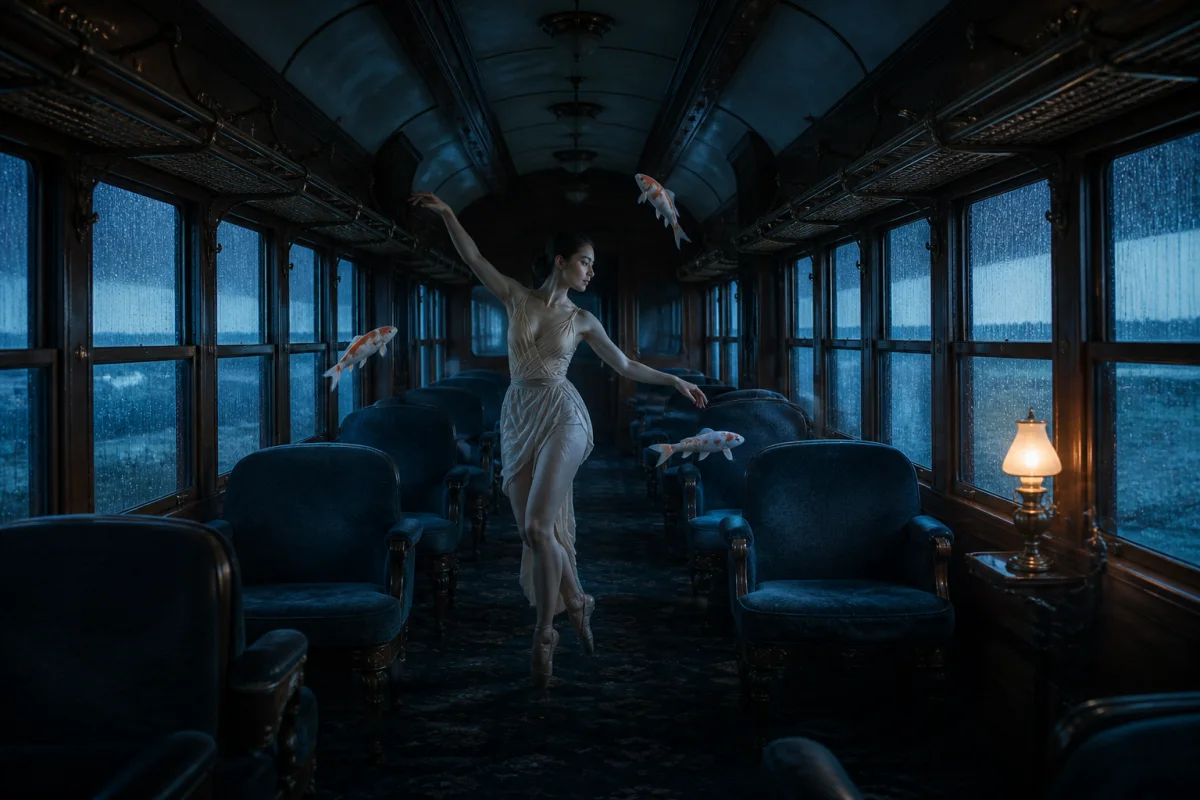
Cinematic surrealism
Everyday scenes. Extraordinary possibilities.
AI VIDEO GENERATOR
Turn a scene in your head into your next video. Start with a prompt or a reference image, shape the shot, and create with Seedance.
Text to video. Image to video. A place for your next idea.
Describe your scene, optionally add a starting image, then review the credit quote before generating.
Checking studio availability…
Your completed video will appear here.
Generated scenes can contain inconsistent details. Review the output before using it in a finished project.
Sign in to see your video history.
FIND YOUR NEXT LOOK
Explore light, character, and atmosphere for your next prompt. These concept films are creative references, not demonstrations of the connected model.
Everyday scenes. Extraordinary possibilities.

Bring a playful point of view to familiar places.
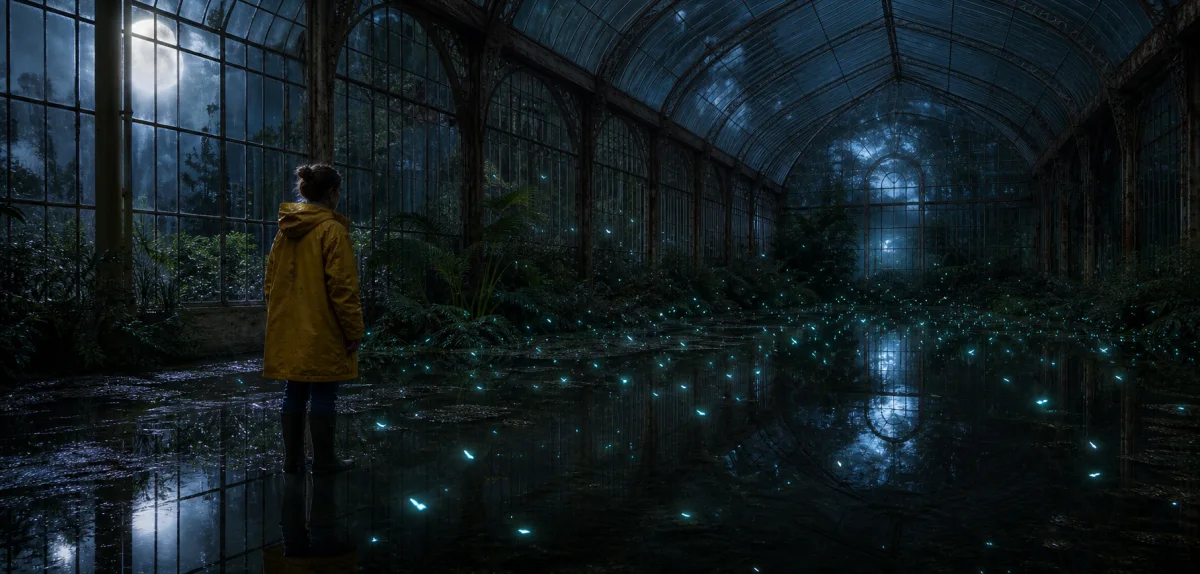
Light, texture, and a different kind of reality.
FROM AN IDEA TO A MOVING IMAGE
Create a new video from a written prompt, or use a reference image to set the starting frame. Give the subject, camera, and atmosphere a clear direction.
AI can change faces, details, and timing. Review the full result before using it in your edit.
Describe your subject, setting, and movement. Add a reference image if you want to start from a specific visual.
Choose the available duration, aspect ratio, and resolution. Keep your first prompt focused on one clear action.
Review the credit quote before generating. Follow the task and watch or download the completed video from your studio.
THE EDITOR’S READING LIST
Understand when you need video restyling and when text or image generation is a better fit.
Understand source footage, presets, prompts, and consistency.
What to check about trials, credits, and real generation costs.
The studio generates new videos from text prompts or a reference image using Seedance through the official Volcengine Ark API when configured. Describe a scene and select the available output settings to get a credit quote.
This version supports text-to-video and image-to-video generation. It does not accept an existing video for Genjutsu-style restyling. Our guides explain those different workflows so you can choose the tool that fits your project.
No. AI Genjutsu is an independent video creation service and does not use the Higgsfield API. Our articles discuss Higgsfield Genjutsu as a separate product. Product names and trademarks belong to their respective owners.
There is no promise of free generations. A task requires enough credits for the quote shown in the studio. Trials or offers on Higgsfield’s own website do not automatically apply here.
You can add one supported reference image for image-to-video generation. The studio shows the accepted formats and file limits. Use images you own or have permission to use, including permission from any people depicted.
Confirmed failed generations return their reserved credits. If a provider response is delayed or uncertain, the task stays pending until its outcome can be checked, so it is not submitted and charged twice.