AI video guides
Practical guides to scene planning, rap video editing, Seedance visual clips, and choosing workflows for existing footage.
Video production notes
Choose the part of production you need help with: scene design, source checks, duo framing, or editing to a finished track.
AI Hotel Lobby
Compose an orange-stage scene and direct small, readable movements.
Migos AI explained
Identify the source and choose a workflow by the input it actually accepts.
AI rap duo
Plan two characters, stable positions, and a four-shot sequence.
AI rap video
Lock your track, map the beat, and turn separate clips into a short edit.
Higgsfield Genjutsu Alternatives: Choose a Workflow for Your Footage
Compare documented video editing workflows, then test motion, identity, flicker and usable-output cost with the same source clip.
Higgsfield Genjutsu Guide: Restyle, Motion Transfer and Input Limits
Understand Genjutsu’s consumer workflows, the separate Restyle API, and a practical process for reviewing video consistency.
Is Higgsfield Genjutsu Free? Access, Credits and Clip Costs
Check model eligibility, trial conditions, per-job quotes and retry costs before committing to a video restyling service.
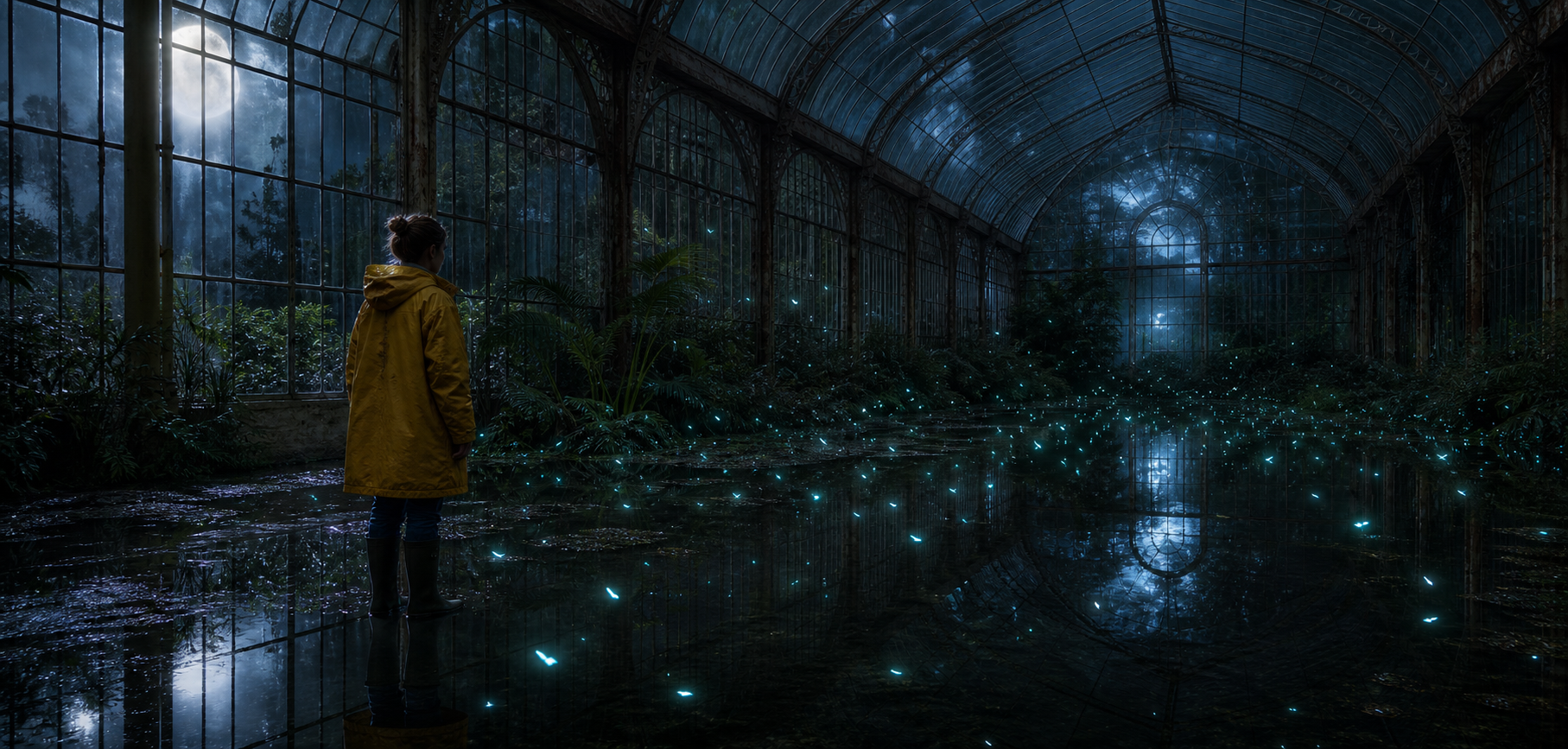
How to Choose an AI Video Model
Choose an AI video model by shot type, duration, resolution, audio, and the way you want to direct motion.
 AI Genjutsu Editorial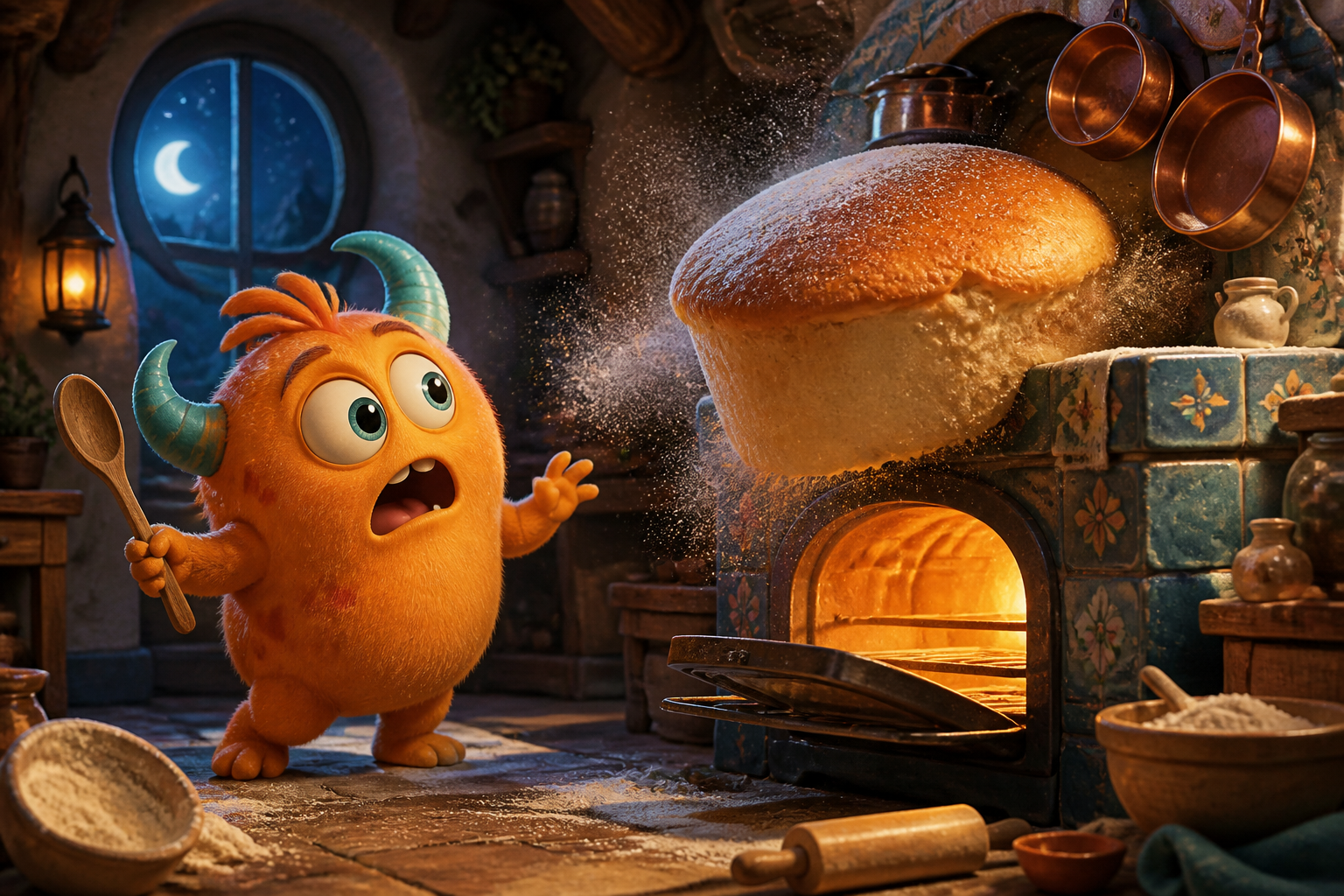
How to Write AI Video Prompts That Actually Move
A practical shot-building method for describing subject motion, camera movement, timing, light, and sound without turning the prompt into a screenplay.
AI Genjutsu Editorial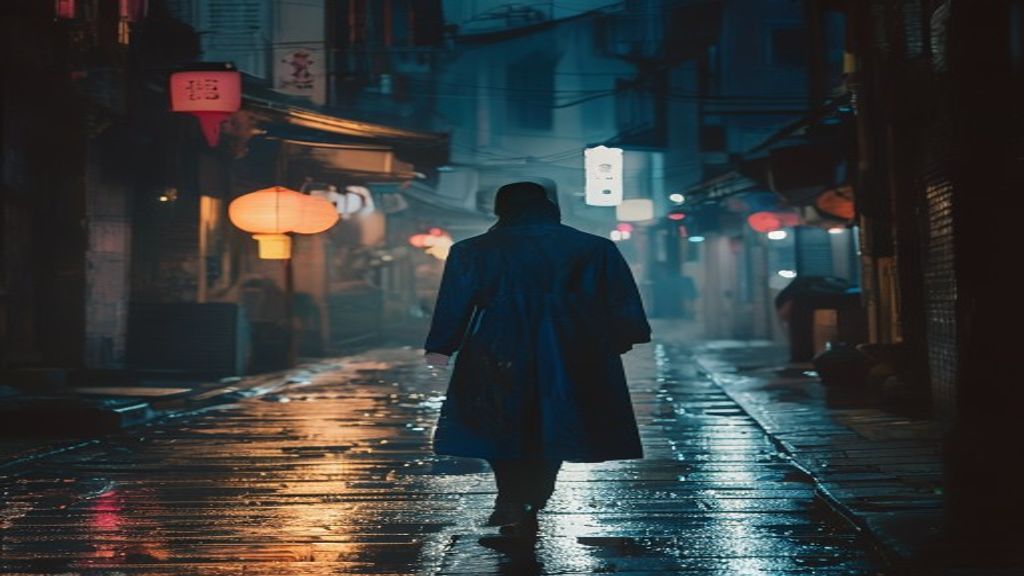
Text, First Frame, or Reference: Which AI Video Workflow Do You Need?
Understand when to use text-to-video, image-to-video, first-and-last-frame animation, or reference media—and what each input actually controls.
AI Genjutsu Editorial